Teleprompter / Press kit
Press
Press kit
Everything you need to write about Cutvey Teleprompter: the facts, the boilerplate, screens from the app, the logos and the app icon, and who to write to. Use any of it.
Download everything (ZIP, 10.4 MB) The fact sheet as plain text
Fact sheet
- What it is
- A teleprompter app for iPhone, iPad and Mac, with an Apple Watch remote, for presenters, hosts, creators, corporate and interview shooters and video teams.
- Company
- Cutvey LLC, Orlando, Florida. Made by filmmakers.
- Version
- 1.0.
- App Store
- On the App Store, free to download: apps.apple.com/app/id6806706586.
- Price
- $19.99, once, by one in-app purchase (Unlock Forever) in the US; local prices elsewhere. Every feature is in that one purchase. No subscription, no tiers, no free tier and no Family Sharing.
- Devices
- iPhone and iPad on iOS or iPadOS 17 or later, iPhone Duo included; the Mac on macOS 14 or later, as a native Mac app; Apple Watch on watchOS 10 or later, as a remote that needs the iPhone app. One purchase covers iPhone, iPad and Mac on the same Apple Account.
- With a Cutvey plan
- Included for each person on Cutvey Solo, Pro, Studio and Enterprise: 1 seat on Solo, 5 on Pro, 20 on Studio. Each person signs in with their Cutvey email and an emailed code, on up to three devices at once. Crew seats are not included.
- Voice follow
- Apple's on-device speech recognition and a word-matching step trim the scroll speed to the reader. It never starts, stops or jumps the scroll, records nothing and sends no audio anywhere. It is not available in Slovenian, Lithuanian, Latvian, Estonian, Bulgarian or Farsi. There is no AI or machine learning model in the app.
- Recording
- On iPhone and iPad: 1080p or 4K at 24, 25 or 30 frames a second, with the script in a strip by the lens, saved to Photos. No recording on the Mac or the Watch.
- Remotes and sessions
- Apple Watch, any browser on the same network, keyboards, pedals, presentation clickers, media remotes, game controllers and, on the Mac, the Contour ShuttlePro v2 and ShuttleXpress. Sessions of up to eight devices by default (the host can allow 1 to 16) run on your own network as remote, monitor or editor, never through a Cutvey server.
- On the Mac
- Call mode under the built-in camera, hide from screen sharing (test it first), keep on top, window opacity and a clean feed window for a second display or rig.
- Scripts and the edit
- Imports .docx, .pdf (as plain text), .pptx (speaker notes, a cue per slide), .fdx, .fountain, .rtf and .txt. Exports .srt captions timed from the scroll (not transcribed) and cue markers for Premiere Pro (CSV) and DaVinci Resolve (EDL).
- Privacy
- The app does not send scripts to Cutvey; iCloud sync uses your own private iCloud. Optional crash and usage reports are asked for on the first screen and carry no account identifier, scripts, recordings or voice. Your data is never sold.
- Languages
- The app is in 41 languages.
- Media contact
- [email protected]
Boilerplate
Cutvey Teleprompter is a teleprompter app for iPhone, iPad and Mac, with an Apple Watch remote. It keeps pace with the reader's voice using Apple's on-device speech recognition, records under the lens on iPhone and iPad, and runs from a Watch, a browser, a pedal or another device on the same network. It is $19.99, once, on the App Store, and included for each person on a paid Cutvey plan. cutveyteleprompter.com
Cutvey LLC makes Cutvey, production management software for video production companies, filmmakers, videographers and photographers, and the Cutvey apps for set: Cutvey Offload, Cutvey Meter, Cutvey Viewfinder and Cutvey Teleprompter. Made by filmmakers in Orlando, Florida. cutvey.com
Screens
Real screens from the app, from its App Store captures. Every script, show and device name in them is invented sample content. The recording screen shows a licensed stock photograph in the camera preview, so please keep its credit line.
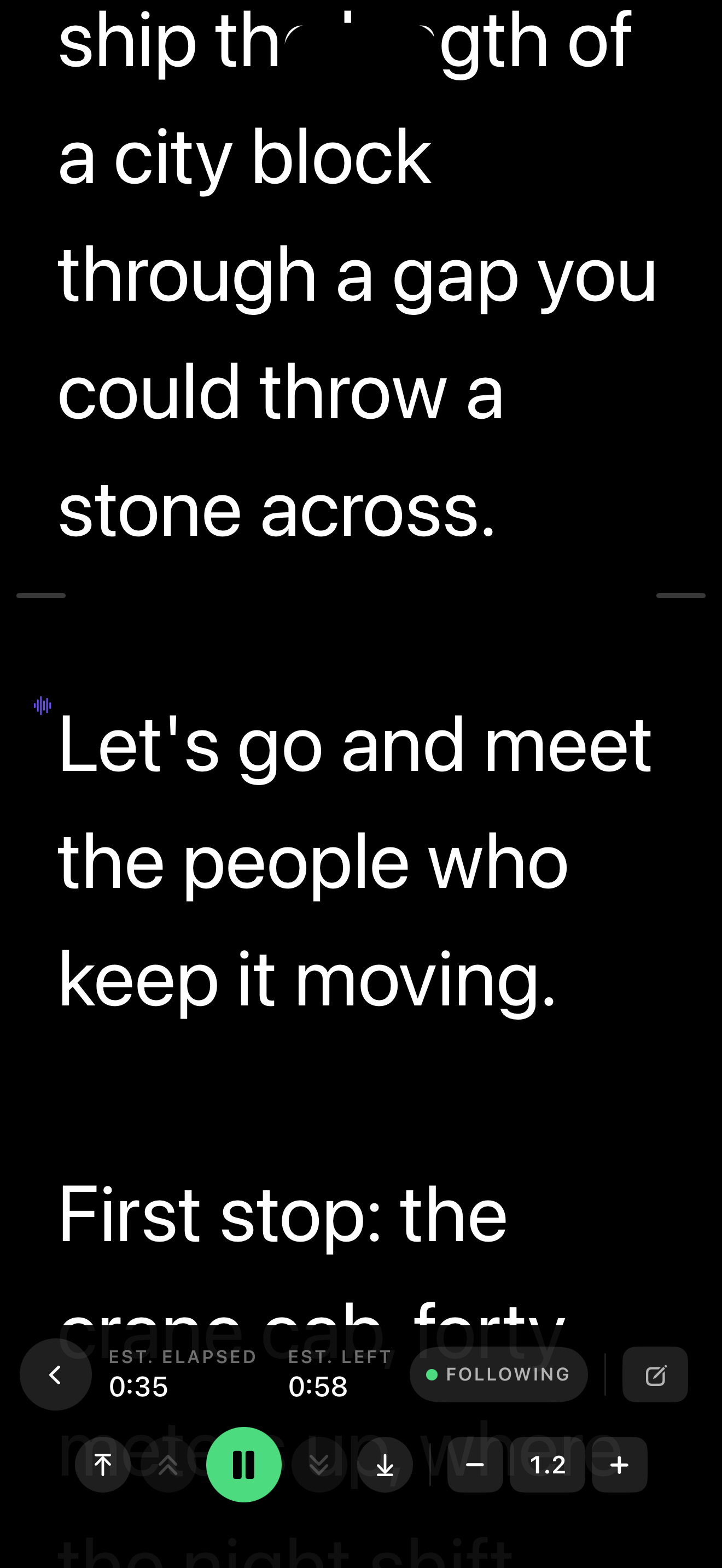
Full size PNG, 1320 × 2868, 277 KB
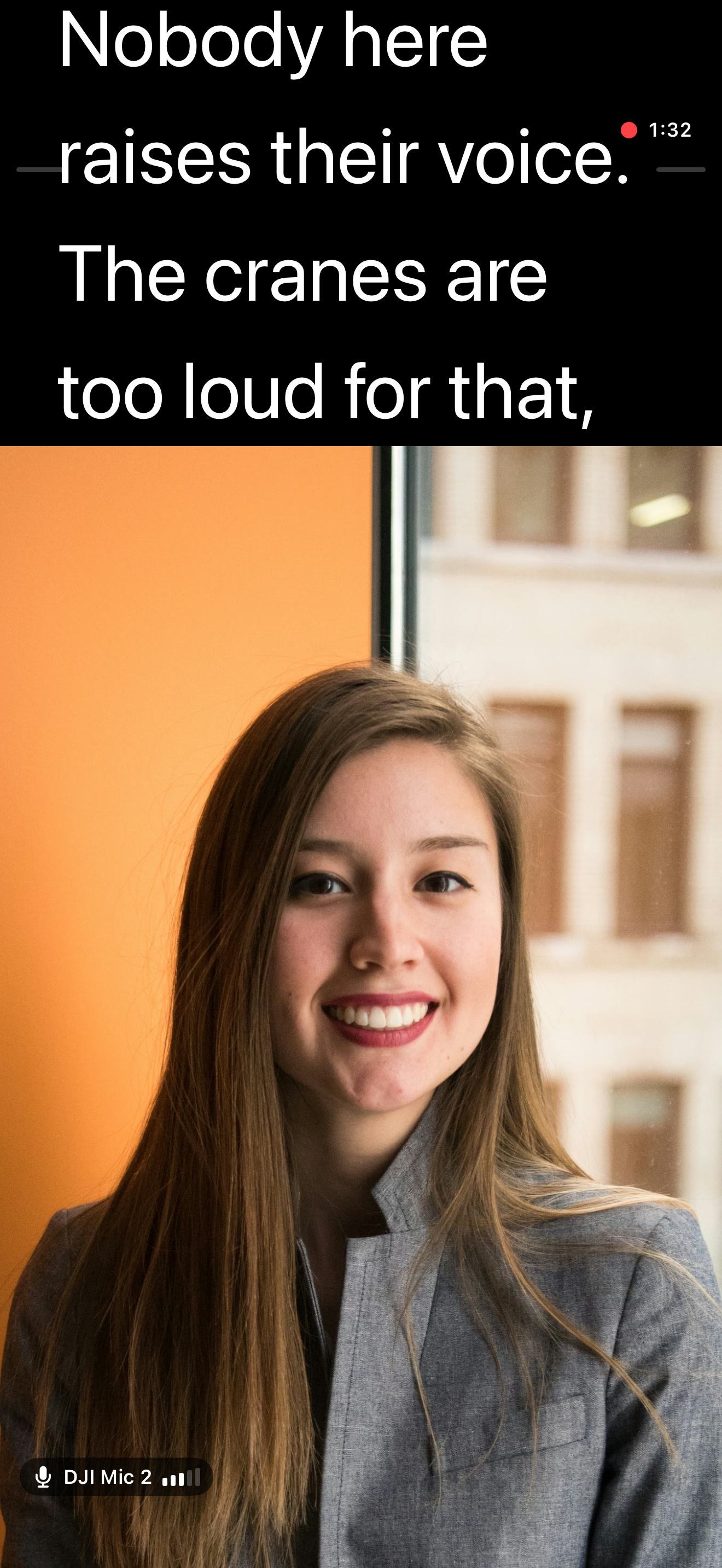
Full size PNG, 1320 × 2868, 3.6 MB
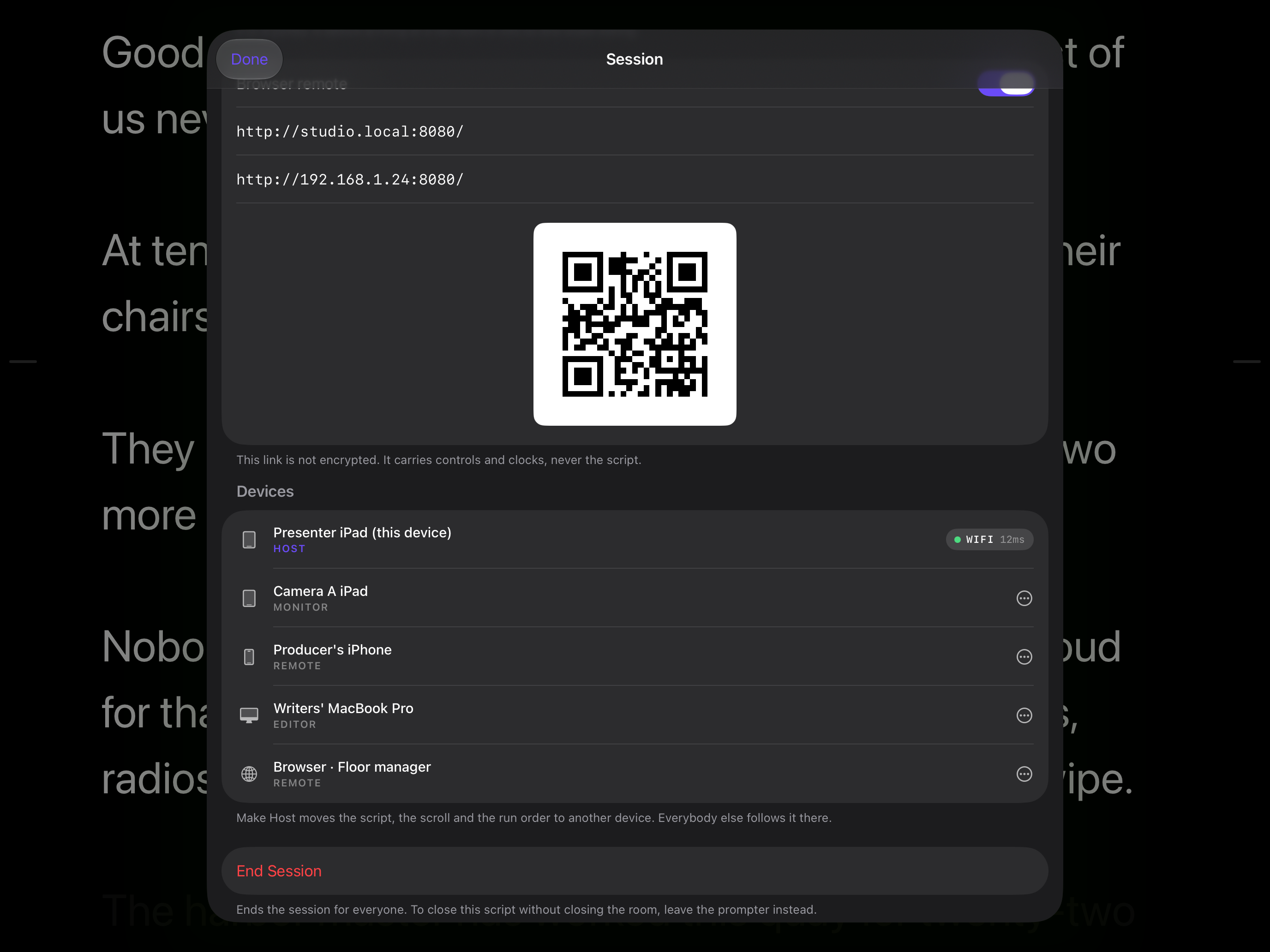
Full size PNG, 2752 × 2064, 484 KB
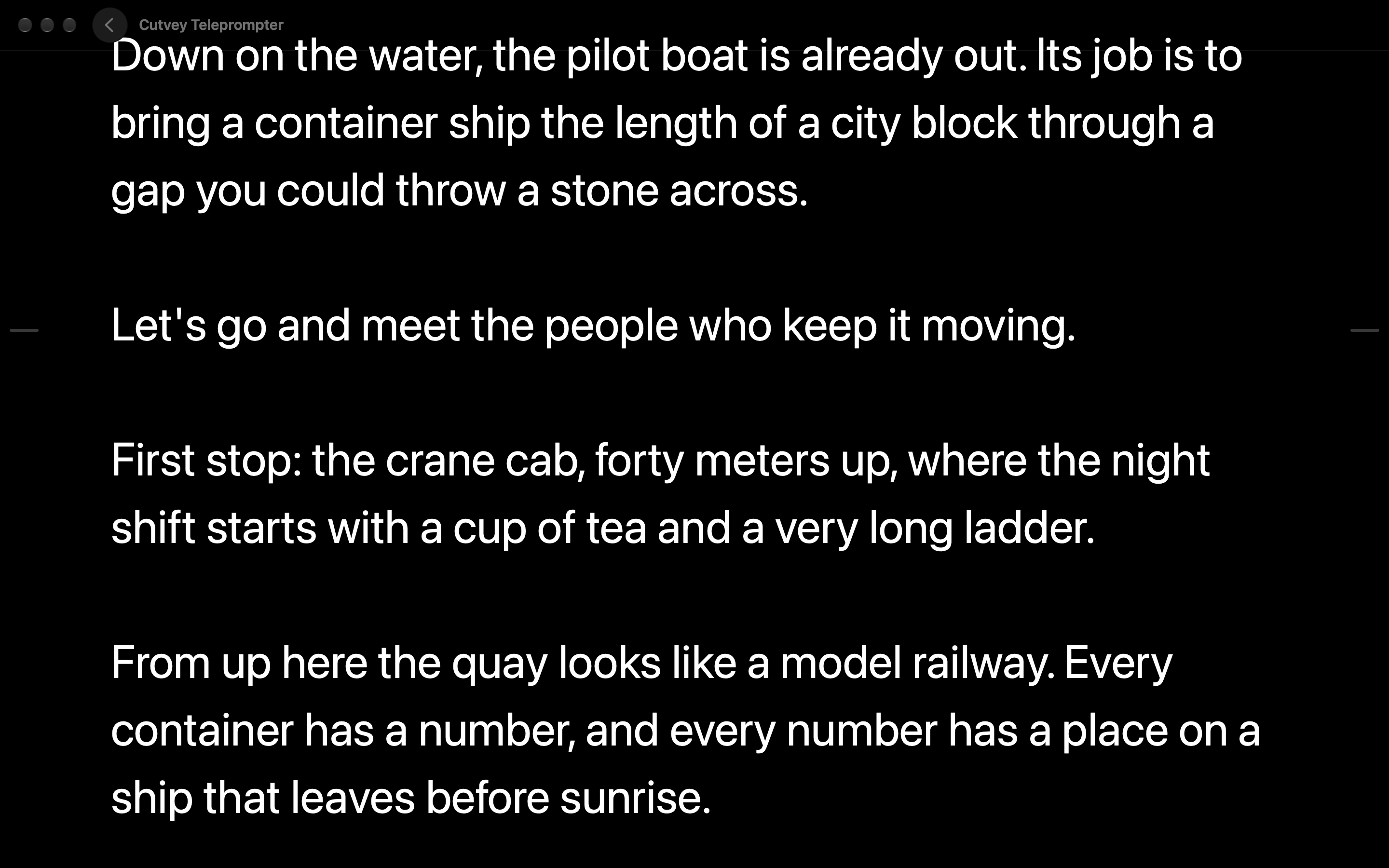
Full size PNG, 2880 × 1800, 323 KB
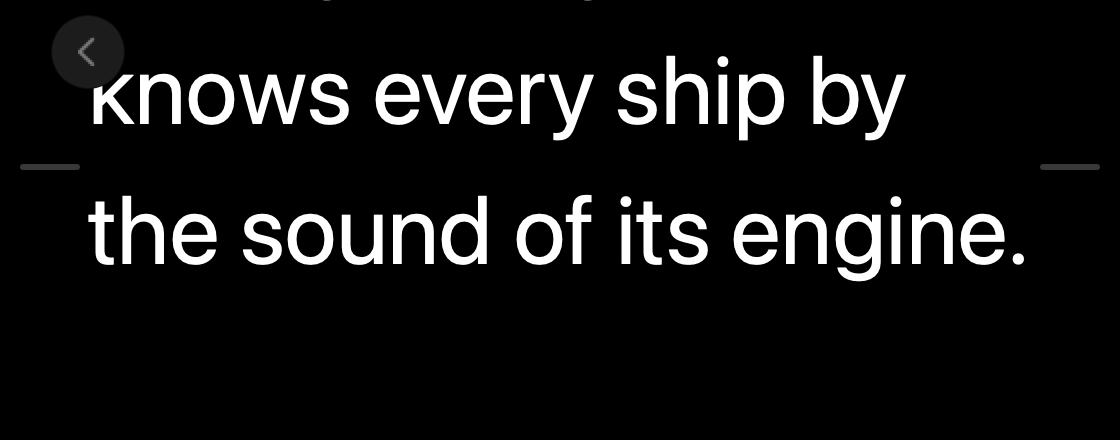
Full size PNG, 1120 × 440, 40 KB
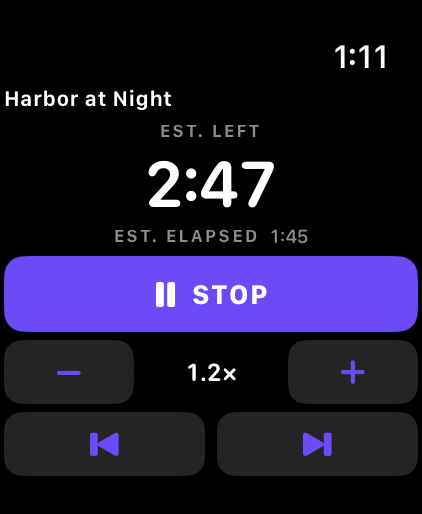
Full size PNG, 422 × 514, 24 KB
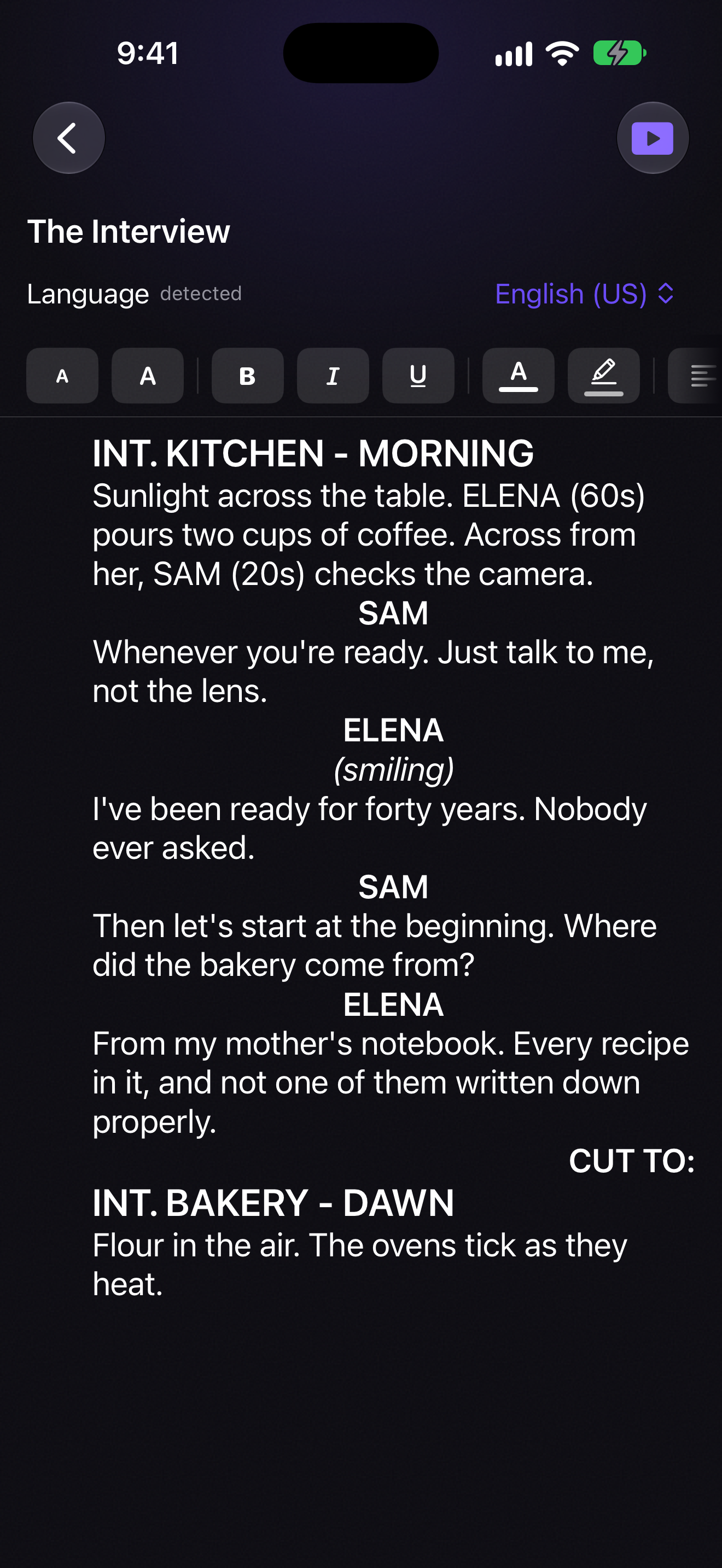
Full size PNG, 1320 × 2868, 1.8 MB
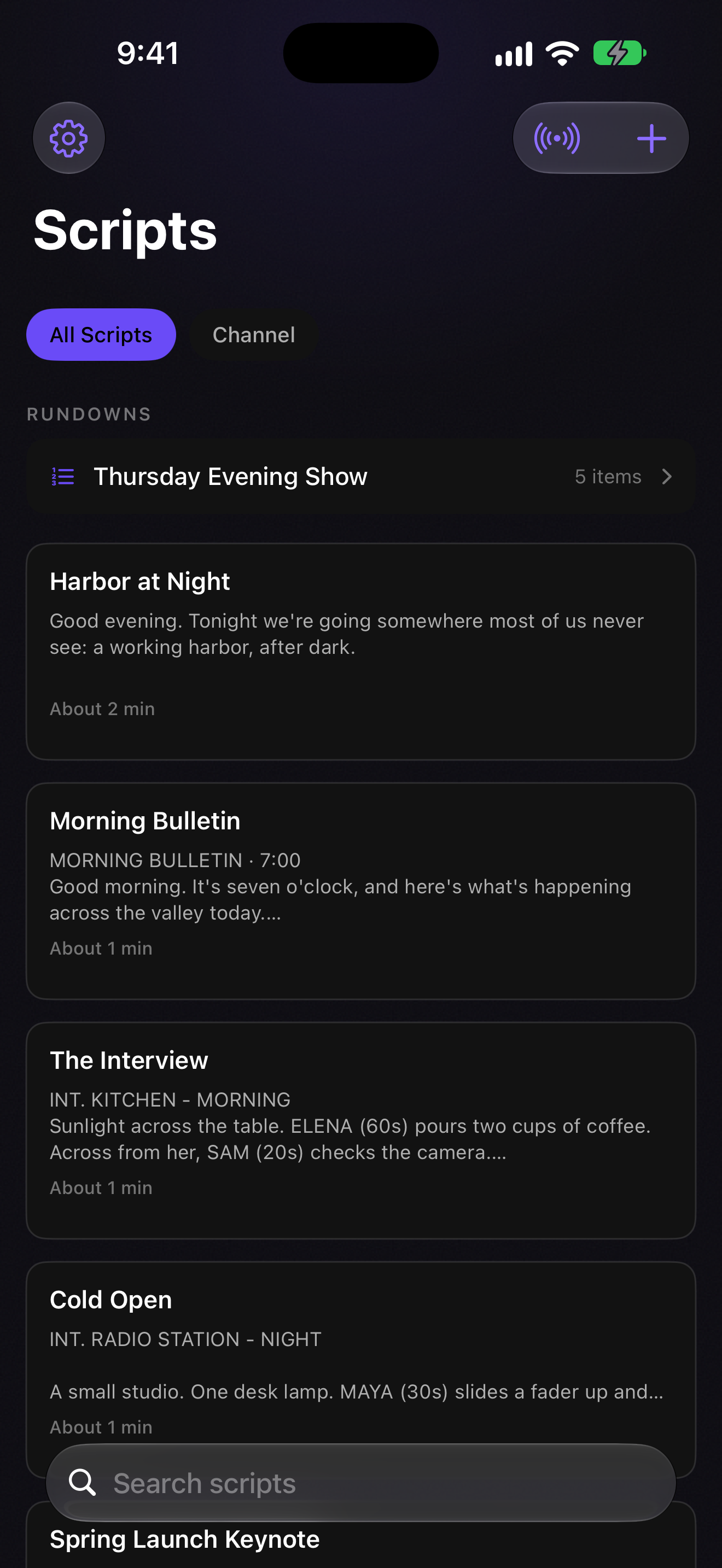
Full size PNG, 1320 × 2868, 1.0 MB
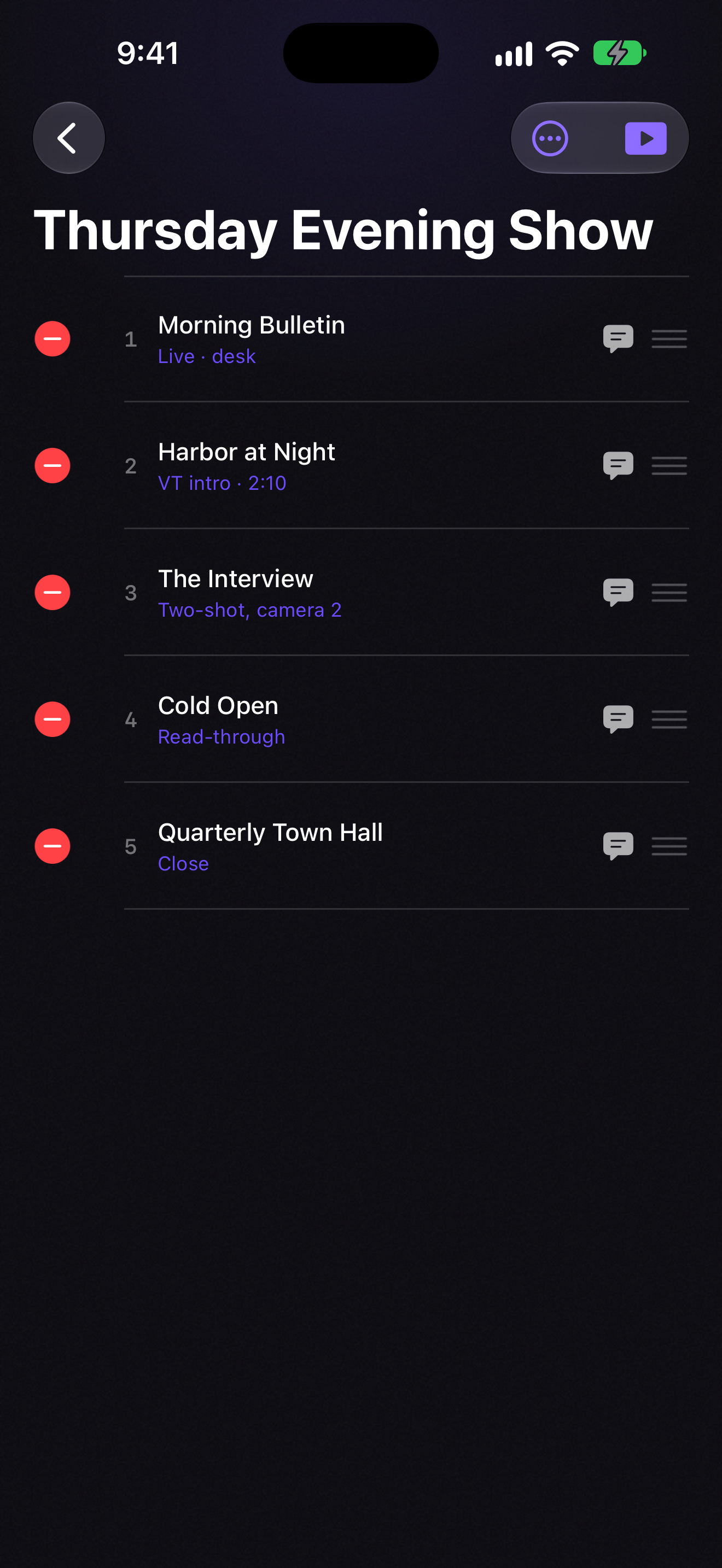
Full size PNG, 1320 × 2868, 1.5 MB
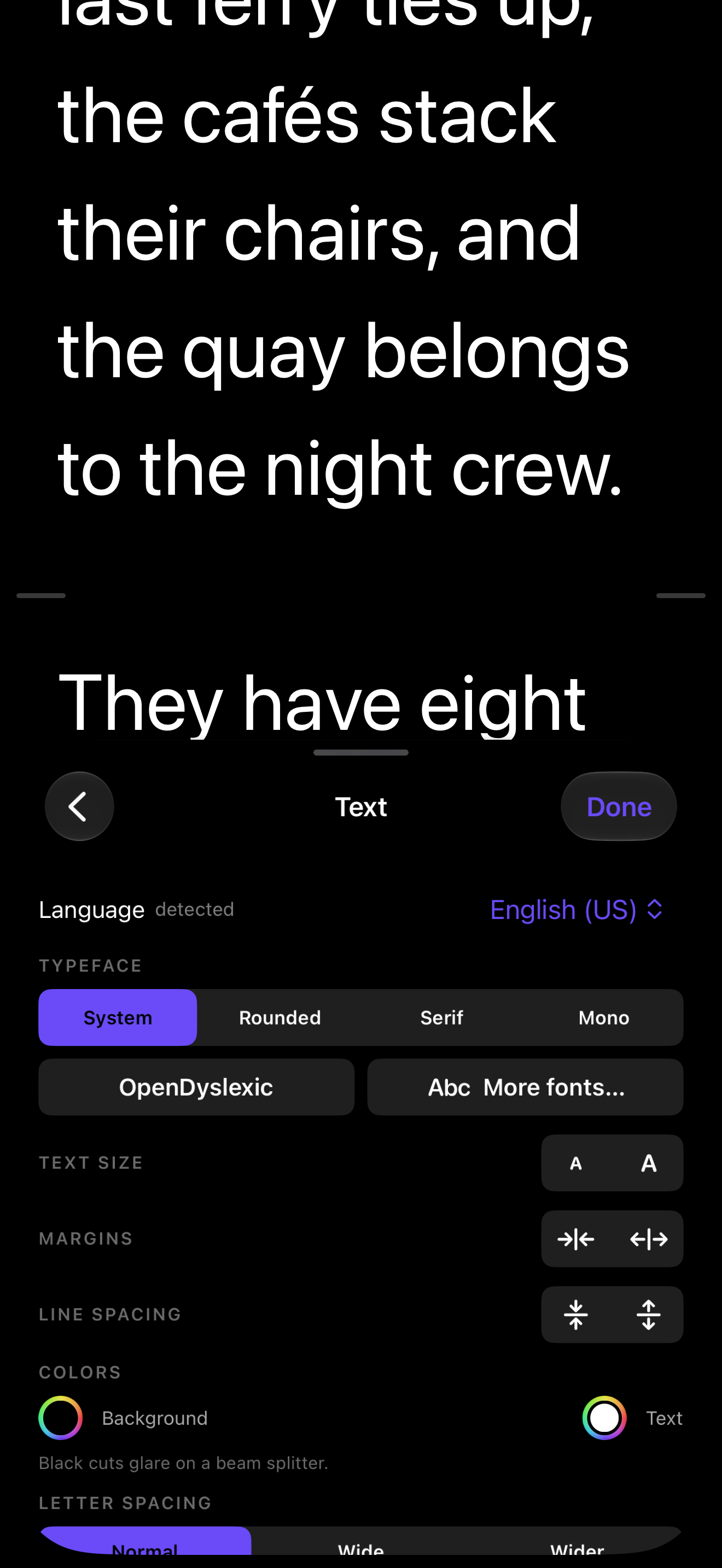
Full size PNG, 1320 × 2868, 322 KB
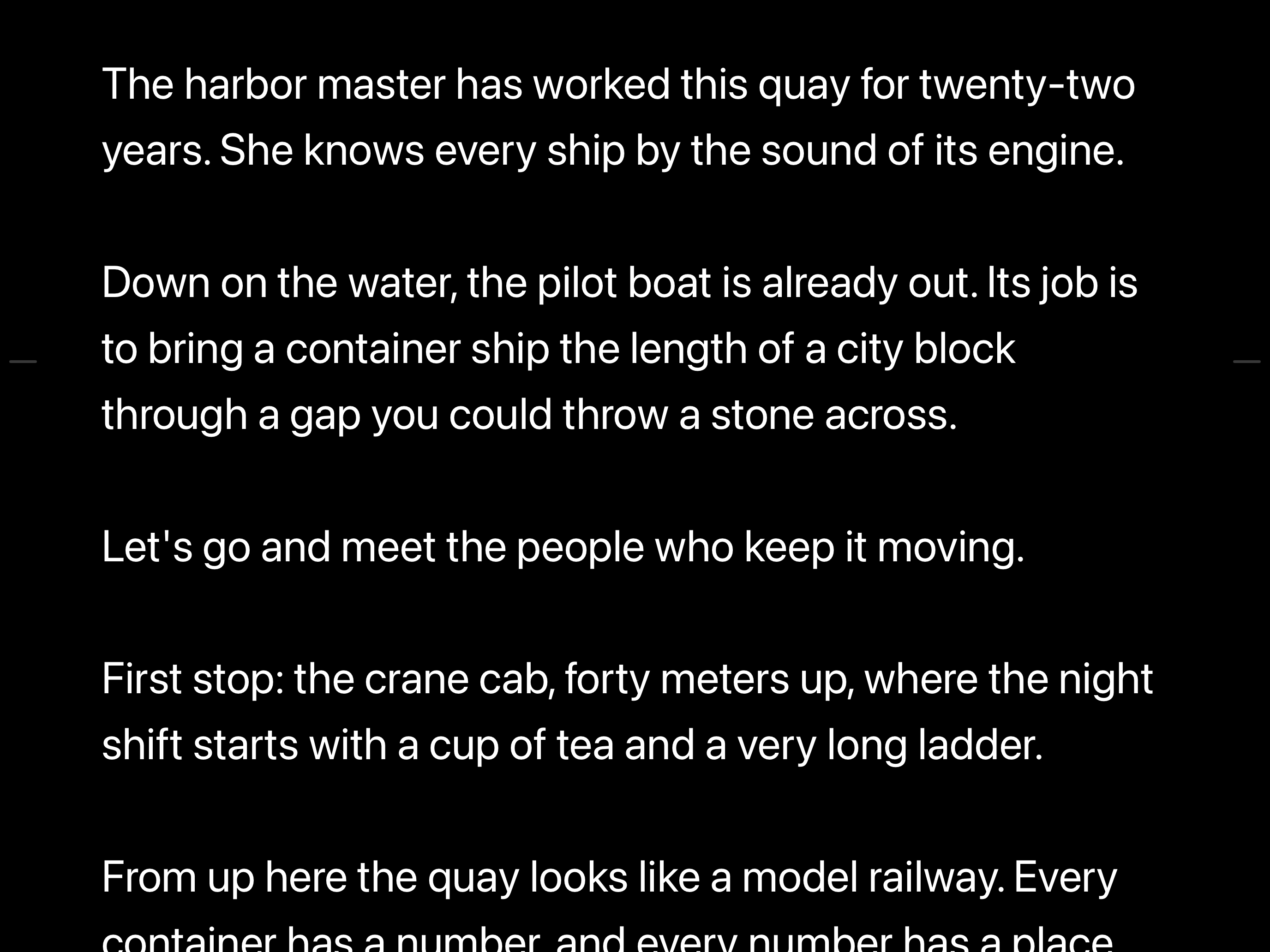
Full size PNG, 2752 × 2064, 346 KB
Logos
The Cutvey lockup is the mark and the word together. Put the dark-ground files on a dark ground and the light-ground files on a light one, and please don't recolor, stretch or rotate them.
- cutvey-lockup-ondark.png PNG, 3040 × 768
- cutvey-lockup-ondark.svg SVG
- cutvey-lockup-onlight.png PNG, 3040 × 768
- cutvey-lockup-onlight.svg SVG
- cutvey-mark-ondark.png PNG, 2048 × 2048
- cutvey-mark-ondark.svg SVG
- cutvey-mark-onlight.png PNG, 2048 × 2048
- cutvey-mark-onlight.svg SVG








App icon
- cutvey-teleprompter-1024.png PNG, 1024 × 1024
Media contact
Write to [email protected]. A person reads every message.